Fast social cutdowns
Quick Clips
Turn long-form video into reviewed, captioned vertical clips for TikTok, Instagram Reels and YouTube Shorts.
Inside Studio Long form


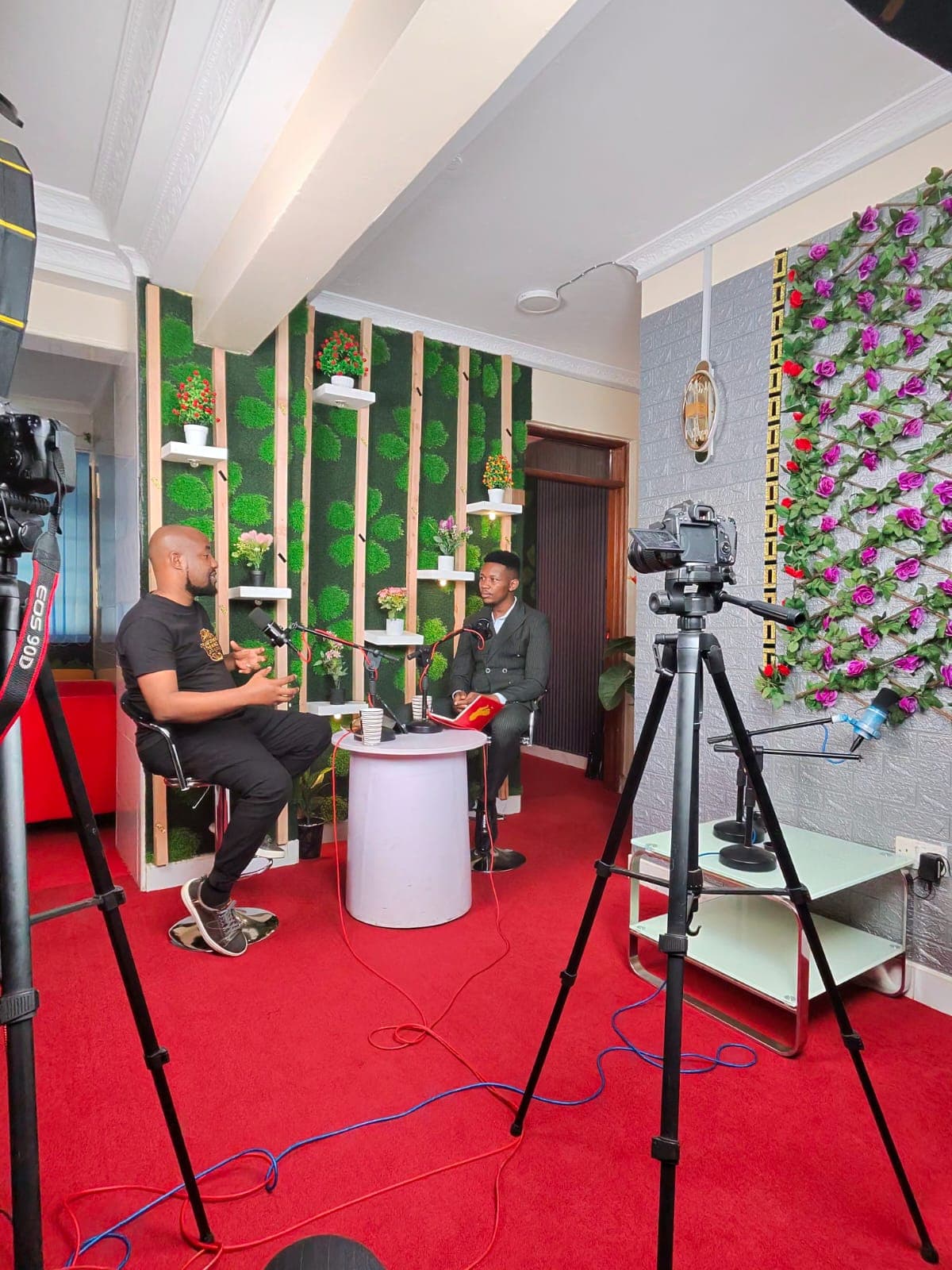
A place to make the work
Turn recordings, ideas and briefs into work worth sharing. Explore the tools, then choose where to begin.
Launch StudioExplore the overview without an account.
01 / The workspaces
Start with what you have. A full recording, a rough edit, a motion idea or a production brief. Each workspace has its own job; the overview helps you find the right one.
Fast social cutdowns
Turn long-form video into reviewed, captioned vertical clips for TikTok, Instagram Reels and YouTube Shorts.
Inside StudioLong formExternal video editor
Open the independent OpenCut video editor for multitrack editing, captions, titles, preview and export.
Inside Studio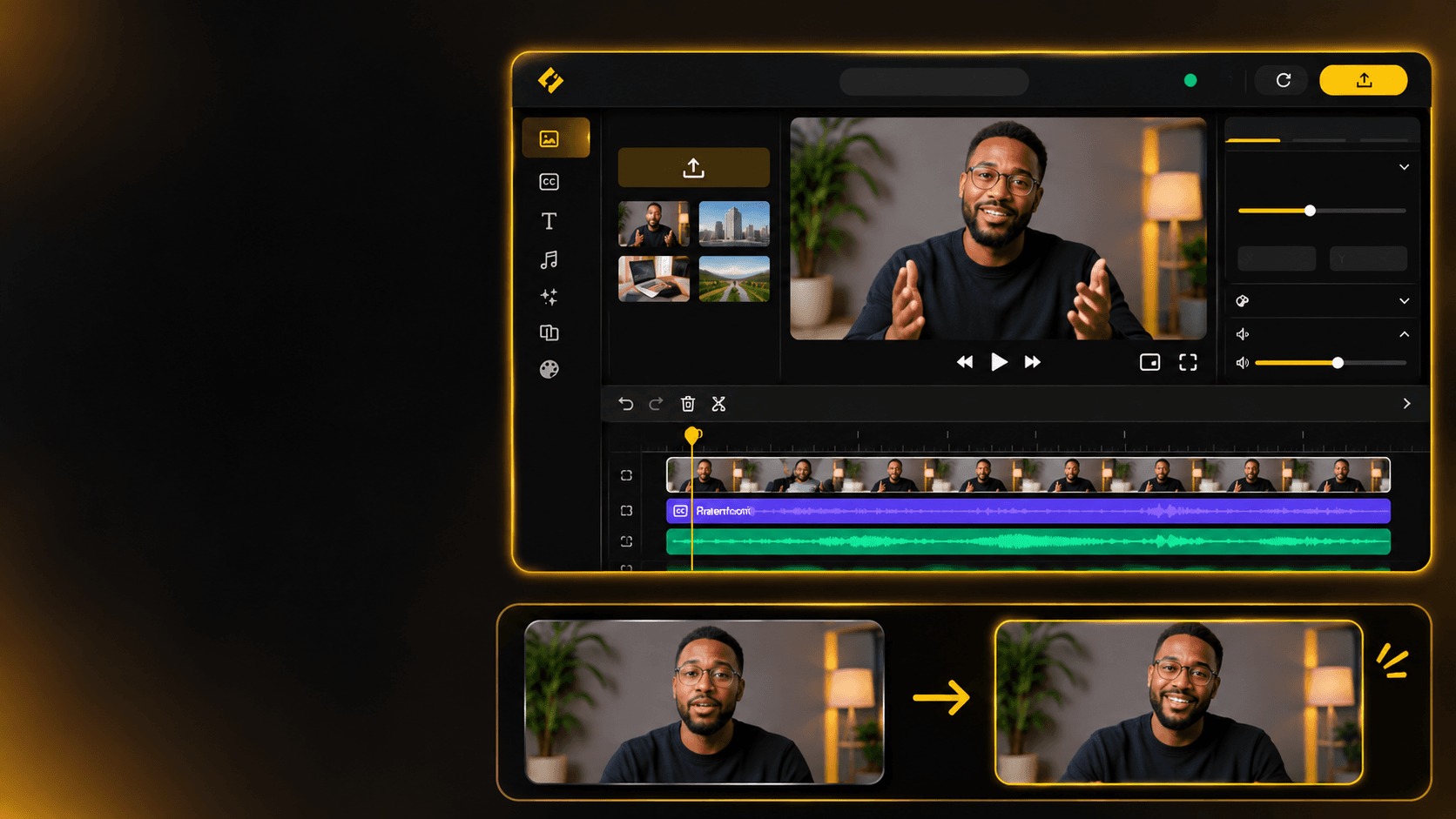 THE EDITING WORKSPACE
Guided video production
Build editable motion graphics, explainers, animated titles and reusable branded video compositions.
Inside Studio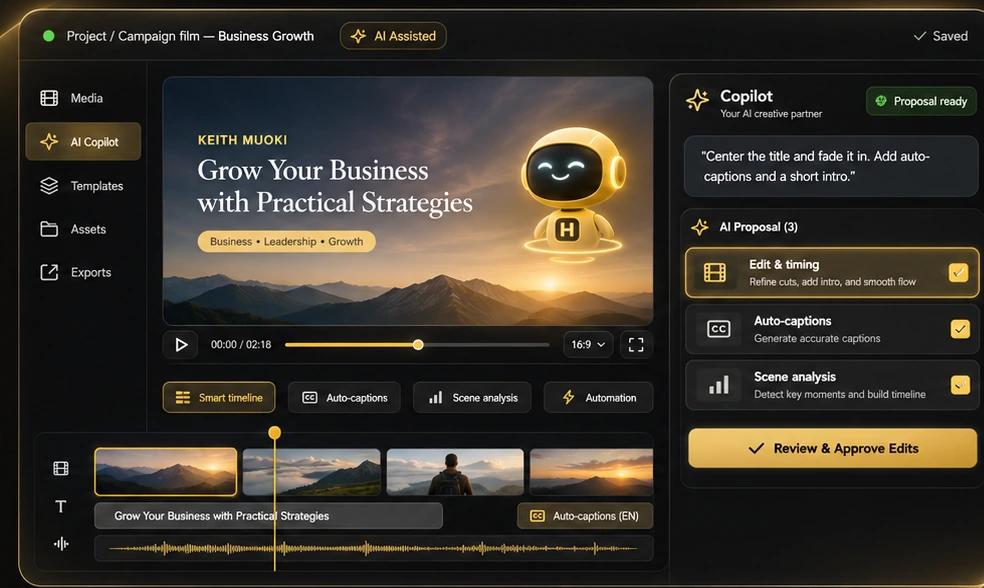 COMPOSITIONS IN MOTION
Managed with the Kujua team
Work with the Kujua team on content production and social management. With your authorization, we can prepare, schedule and manage posts for your channels.
Inquire About the Social Management SystemPRODUCTION WITH PEOPLE02 / Begin
Open the Studio overview and see which workflow fits your project. You can explore before creating an account.